
Welcome. Drainbee is installed in 15 minutes.
Work through the steps in the order shown – or simply follow the guide in the app.
Preparation
Approx. 5 minutes
What's in the box
- Drainbee with wall mount
- Submersible probe with 5 m cable
- Power adapter 5 V 1.5 A
- 4× screws with wall plugs
- 4× cable ties for strain relief
Note about the probe
The probe contains a sensitive membrane. Protect it from knocks and lower it into the water slowly and carefully.
Cables and pipes in the wall
Make sure you don't damage any power or water lines when drilling.
Location
Close to the pump sump, with a stable Wi-Fi signal (2.4 GHz) and a power outlet. The probe and the device can be at most 4–5 m apart.
Tools
Drill, 5 mm drill bit, Phillips screwdriver. A spirit level is recommended. Your smartphone for the Wi-Fi setup.
Installation
Approx. 5 minutes
- Step 1
Mount the wall bracket
Fix it to the wall with up to four screws and wall plugs. The arrow on the bracket must point upwards. Check beforehand that the probe cable reaches Drainbee.

- Step 2
Click Drainbee into place
Slide Drainbee onto the bracket from top to bottom with a little pressure until it clicks into place.
- Step 3
Lower and connect the probe
As deep into the pump sump as possible, ideally down to the pump's intake – at least 1 cm above the floor. Secure the cable to pipes with the cable ties and plug it into Drainbee's socket.
Protect the membrane: lower the probe slowly and carefully.
- Step 4
Connect to power
Plug the supplied power adapter into an outlet. Drainbee is now ready to connect to your Wi-Fi.

Connect
Approx. 5 minutes
-
Download the app
Search for “Drainbee” in the App Store or on Google Play and install it.
-
Create an account
All you need is an email address and a password. Then sign in to the app.
-
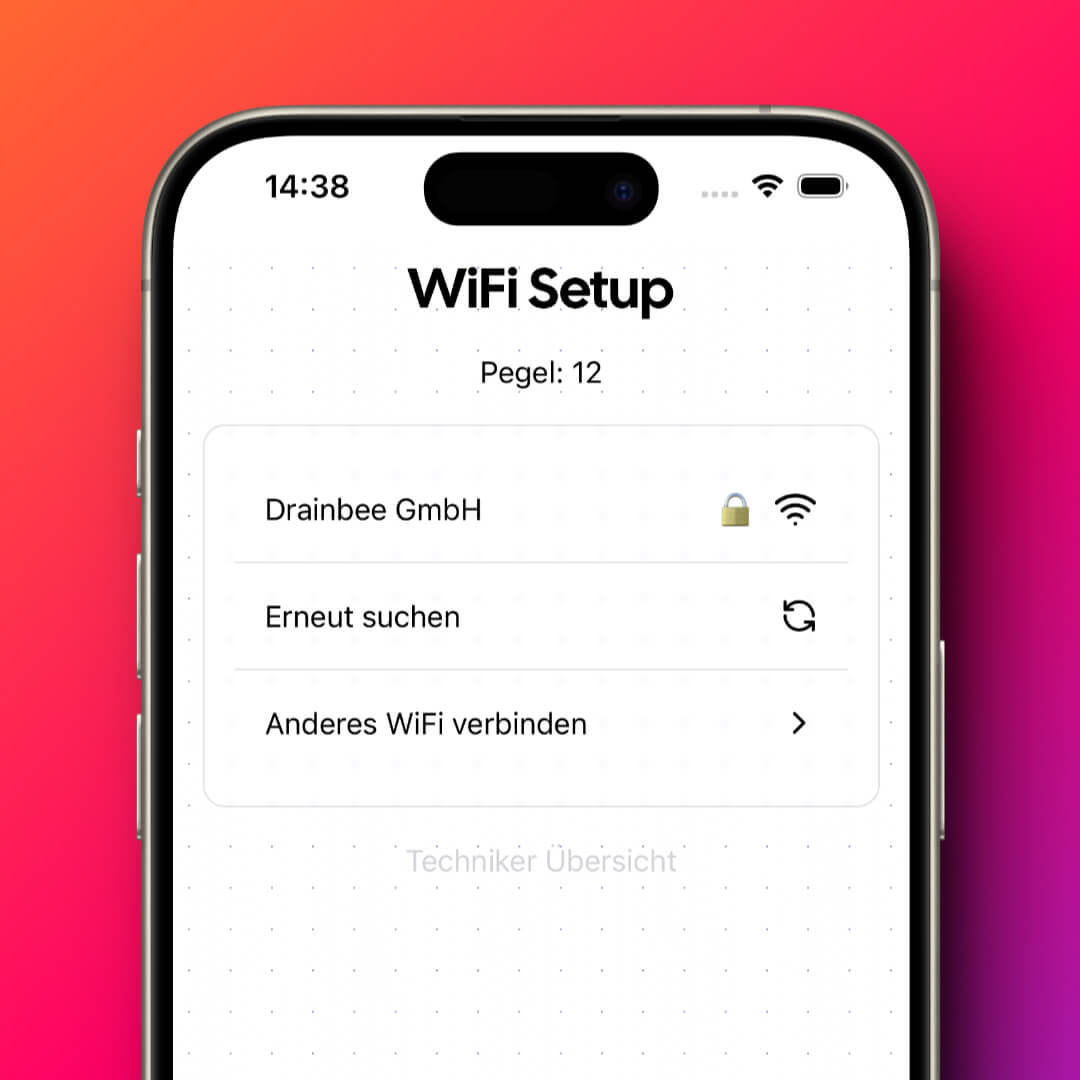
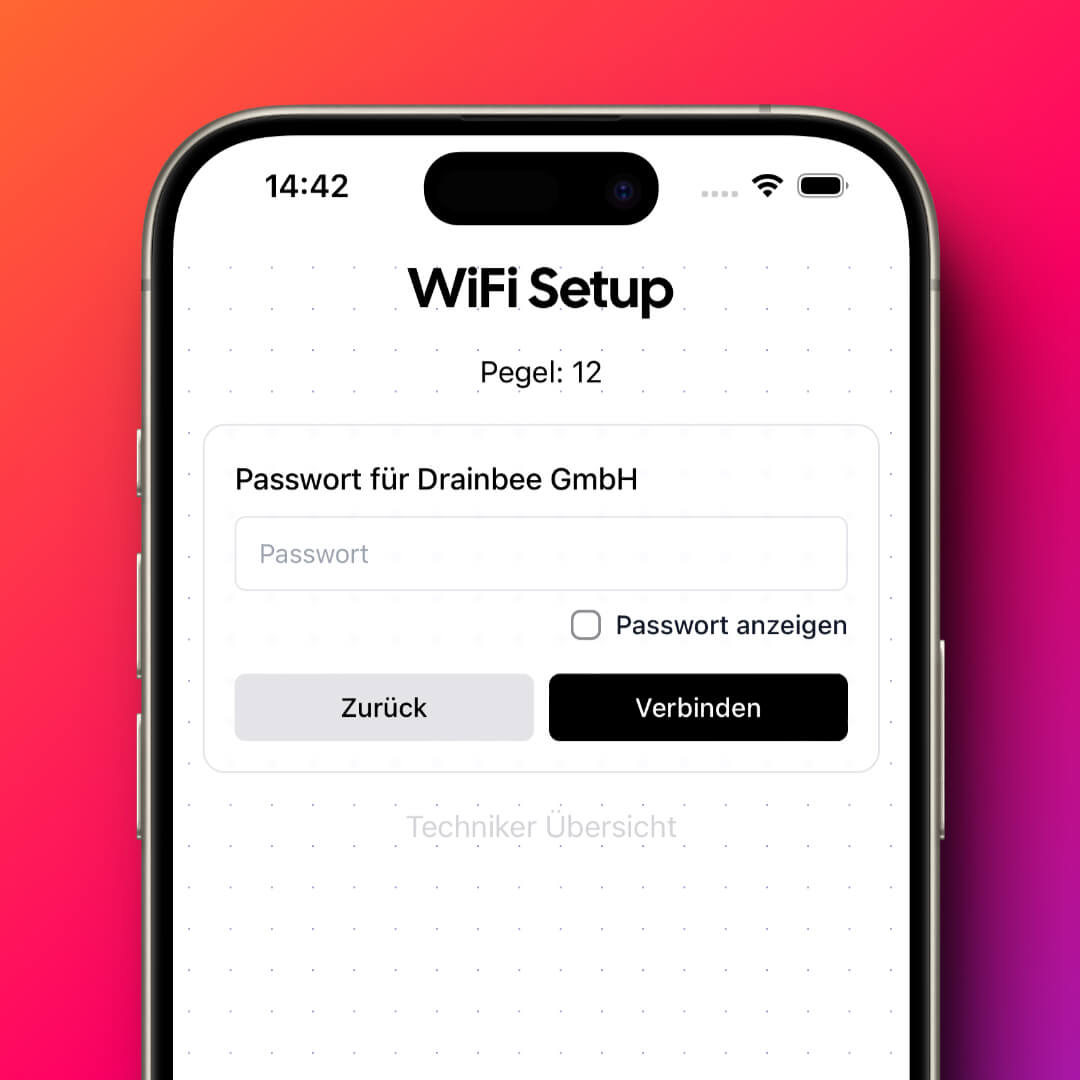
Connect to Wi-Fi
Tap the circle with your initials in the top right, choose “Set up Drainbee” and follow the instructions.
-
Link to your account
The identifier and activation code are in the box. Enter them under “Link Drainbee” – done.
Done. Drainbee is now on watch.
From now on you'll see the level in the app and get an instant alert on threshold, power outage or Wi-Fi loss.
Trouble with the setup?
Send us an email – we're happy to help and reply within 24 hours.
[email protected]